
Fix out-of-date search results by re-indexing your data
Quick answer
Go to Settings, then Data Indexing, open the Chat Data or Instant Answers tab and select Re-index. HeyBirdy rebuilds its search from your latest records without changing or deleting any of them.
A customer asks about the catering order she placed last Tuesday. You search her name in Chats, and her conversation does not come up, though you replied to her yourself.
To find things quickly, HeyBirdy keeps an index of your records, much like the index at the back of a book. Re-indexing rebuilds that index from scratch using what is in your workspace right now. When search results or AI answers seem out of date, a re-index usually puts them right.
On this page you can:
- Rebuild the search for your chats.
- Rebuild the search for your Instant Answers, which your AI assistant uses to reply.
- See when a re-index is running and when it has finished.
Re-indexing only rebuilds the index. Your chats, contacts and Instant Answers are not changed or deleted.
Before you start
- You are signed in as an Admin.
When to re-index
| Tab | Re-index when | Typical moment |
|---|---|---|
| Chat Data | Search cannot find a chat or message you know is there | After a large import of data or a system update |
| Instant Answers | Your AI assistant replies with an answer you have already changed | After adding new questions, updating answers or making big changes to your Instant Answers |
HeyBirdy also refreshes chat search on its own every night, so you rarely need the Chat Data tab. It is there for the times you want it right away.
Re-index your chat data
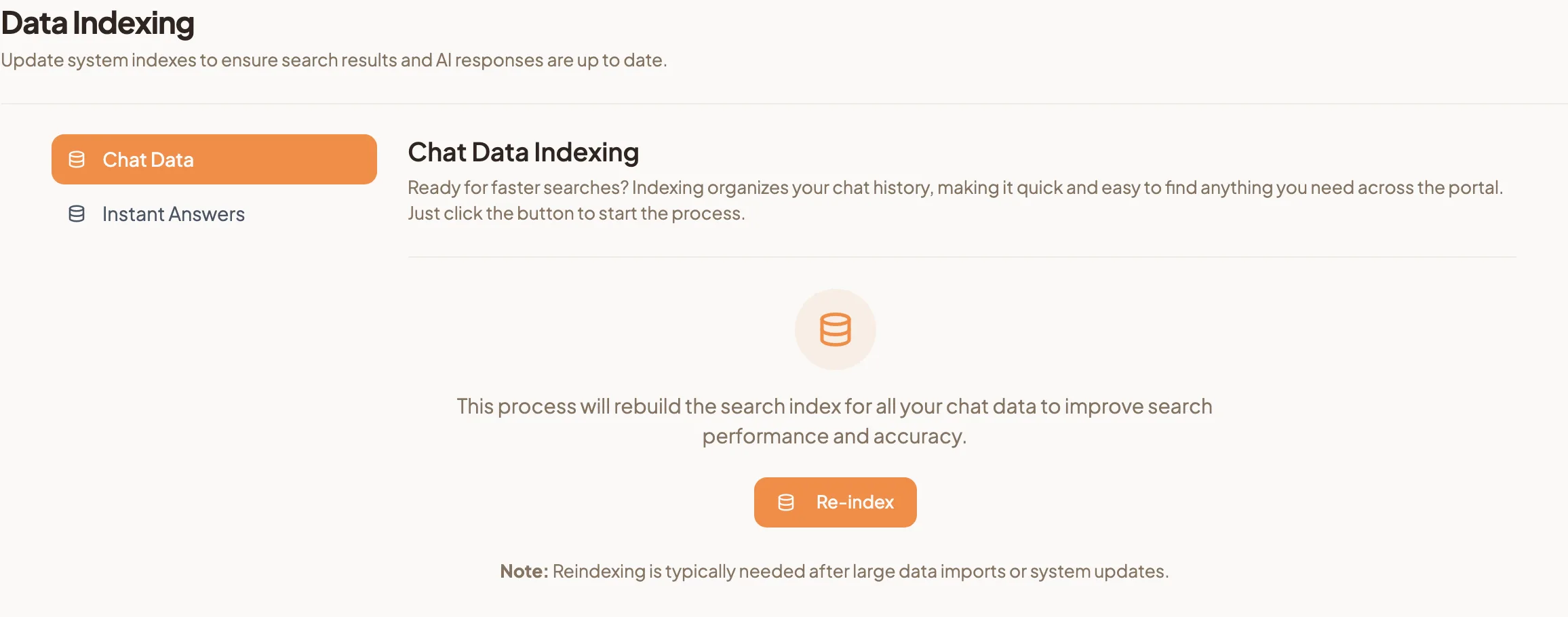
- Go to Settings, then Data Indexing. The Chat Data tab opens.
- Select Re-index.
- The button changes to Re-indexing... while it works.
- When it is done, a message confirms that the chat data re-index is complete.
Re-index your Instant Answers
- Go to Settings, then Data Indexing.
- Open the Instant Answers tab.
- Select Re-index.
- When it is done, a message confirms that the Instant Answers re-index is complete.
What happens while it runs
- The button shows Re-indexing... and cannot be selected again, so you cannot start the same re-index twice by accident.
- Your records stay as they are. Nothing is edited, merged or removed.
- If something goes wrong, HeyBirdy tells you it could not re-index. Select Re-index again to retry.
Run it again and search her name. The catering order is back where it belongs.