
Skip to content
HeyBirdyHelp

Release notes

New features, improvements and fixes in HeyBirdy, newest first.

Testing 123

Lorem ipsum dolor sit amet, consectetur adipiscing elit, sed do eiusmod tempor incididunt ut labore et dolore magna aliqua. Ut enim ad minim veniam, quis nostrud exercitation ullamco laboris nisi ut aliquip ex ea commodo consequat. Duis aute irure dolor in reprehenderit in voluptate velit esse cillum dolore eu fugiat nulla pariatur. Excepteur sint occaecat cupidatat non proident, sunt in culpa qui officia deserunt mollit anim id est laborum.

max

DU DU DU DU
MAX VERSTAPPEN
DU DU DU DU
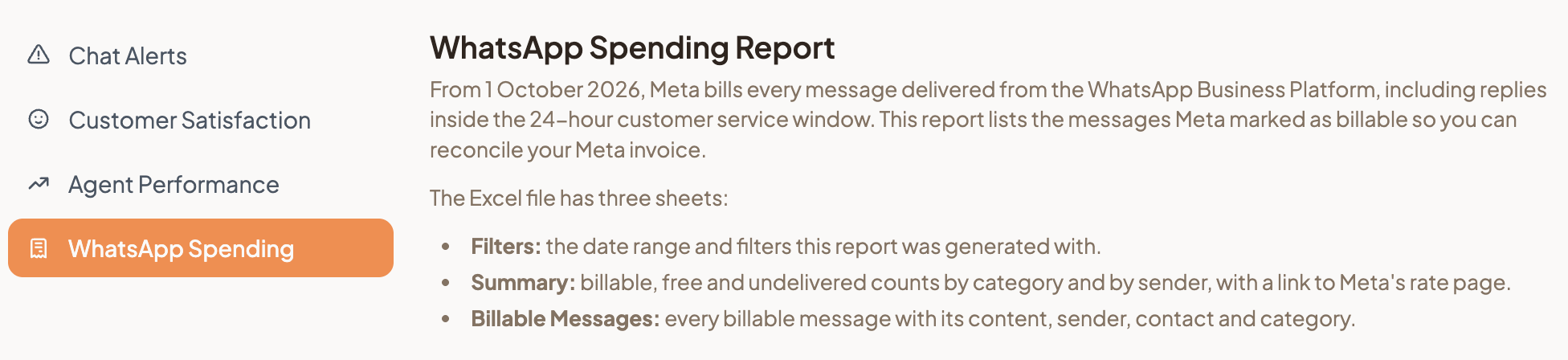
WhatsApp Spending Report

From 1 October 2026, Meta charges for every WhatsApp message your business sends, including replies inside the 24-hour customer service window. The new WhatsApp Spending report shows how many of your messages Meta marked as billable, so you can check them against your Meta invoice.

WhatsApp spending report tab

Go to Reports, then WhatsApp Spending, pick a Date Range and select Generate. The Excel file counts your messages by category and by sender, and lists every billable message. Filter by Sent by to see whether a campaign, the AI Assistant or your agents sent the most.

The report shows counts, not amounts. Its Summary sheet links to Meta's rate page, where you can look up the price for each category and country. Reports is visible to Admins only. See Reports for the other reports you can generate.

Release notes | HeyBirdy Help