
WhatsApp Spending Report
From 1 October 2026, Meta charges for every WhatsApp message your business sends, including replies inside the 24-hour customer service window. The new WhatsApp Spending report shows how many of your messages Meta marked as billable, so you can check them against your Meta invoice.
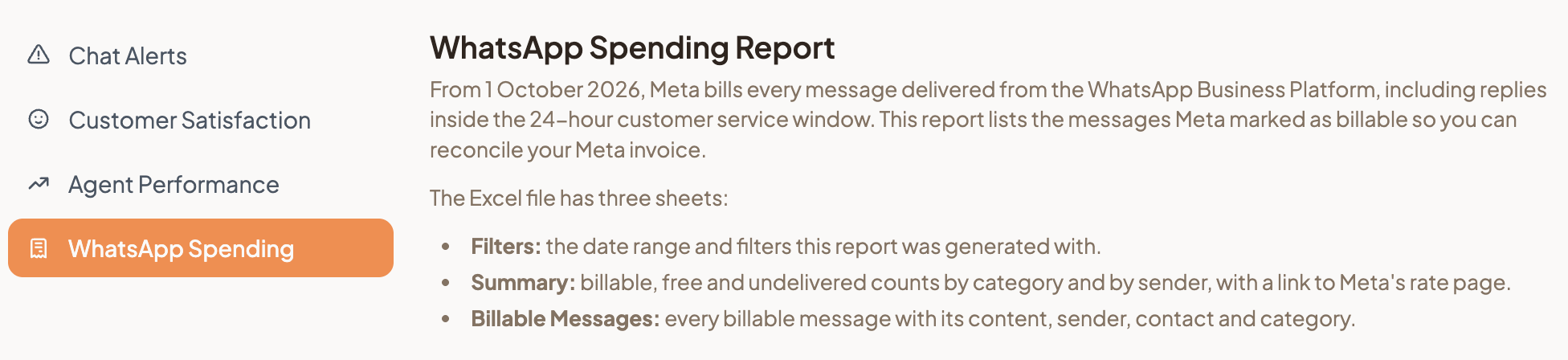
Go to Reports, then WhatsApp Spending, pick a Date Range and select Generate. The Excel file counts your messages by category and by sender, and lists every billable message. Filter by Sent by to see whether a campaign, the AI Assistant or your agents sent the most.
The report shows counts, not amounts. Its Summary sheet links to Meta's rate page, where you can look up the price for each category and country. Reports is visible to Admins only. See Reports for the other reports you can generate.